Scan-IT to Office FAQ
Office Add-In: Is Displayed Incompletely
Office Add-In: Is Displayed Incompletely
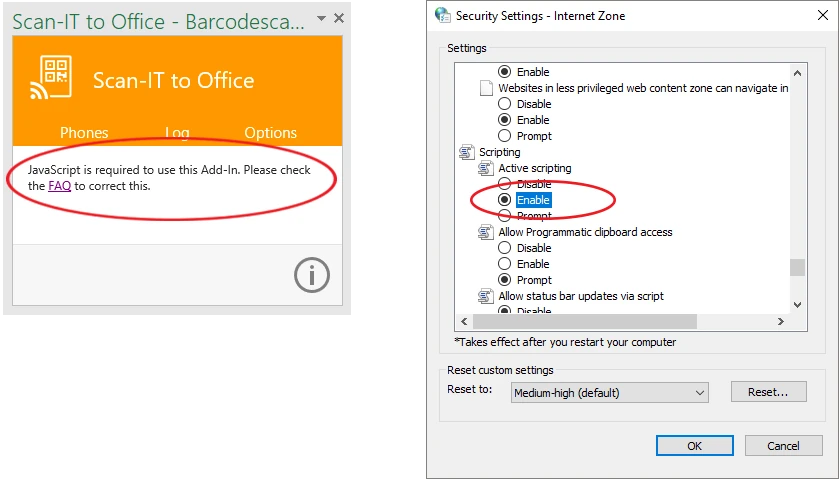
The Scan-IT to Office Add-In looks inactive and only displays the buttons "Phones", "Log" and "Options" without functionality.
Solution: Add the Scan-IT to Office Add-In as a trusted site as follows:
- Start Internet Explorer.
- Click on the icon
 and then on Internet Options.
- Open the tab Security and then select the Trusted Sites zone.
- Click on the button Sites.
- A dialog to add new trusted sites will appear.
- Enter https://tecit-sto-office.azurewebsites.net in the text field and click the button Add.
- Close Internet Explorer and restart your Office application. The Add-In should now be displayed correctly.
Another possible reason for this problem might be a disabled JavaScript setting. See next FAQ entry.