Quality preview
Readability is calculated live from print tolerance and output resolution – before anything is printed.
New: TFORMer Designer V9.2 — easily design and print labels and forms. Explore the product →
For Windows, Mac and Linux
100+ barcode types, a live quality check and batch export.
Templates
Code Types
Code Quality 100% - Perfect

Data
Size


Standards-compliant barcodes usually mean development effort or unreliable online tools. Barcode Studio is the desktop application for production-grade barcodes: design, validate and export EAN, QR Code, GS1 and over 100 other symbologies – on Windows and macOS.
Prepare barcode artwork with your production data, inspect the output settings and deliver the files your design and print teams need.
Readability is calculated live from print tolerance and output resolution – before anything is printed.
Generate barcode sequences automatically or import data from text and CSV files.
Export thousands of barcodes in one run – or automate Barcode Studio from the command line.
Preview print settings, import records and export barcode artwork from your desktop.

Set resolution and print tolerance in the readability preview, then inspect the result before exporting.
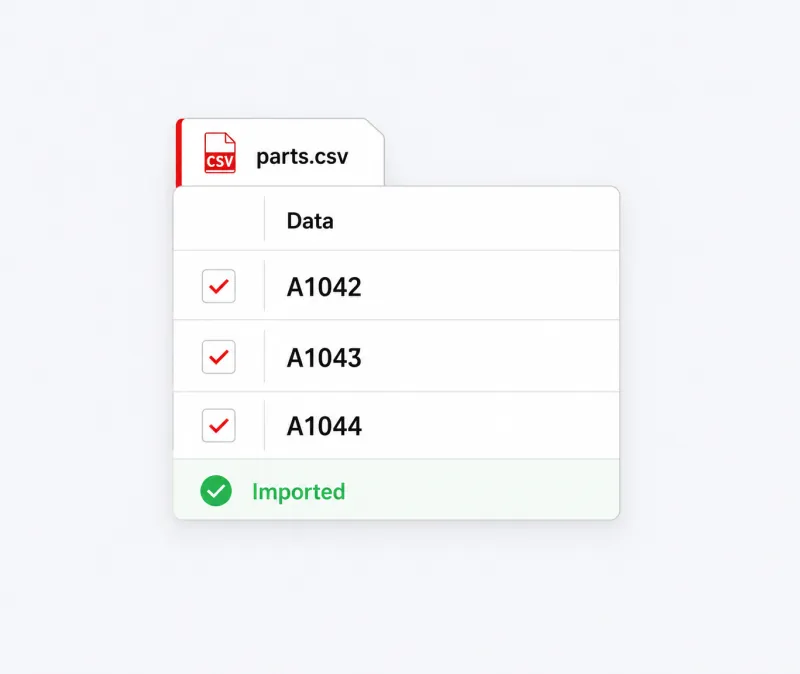
Import data from text or CSV files, or generate serial-number sequences for a batch of barcodes.
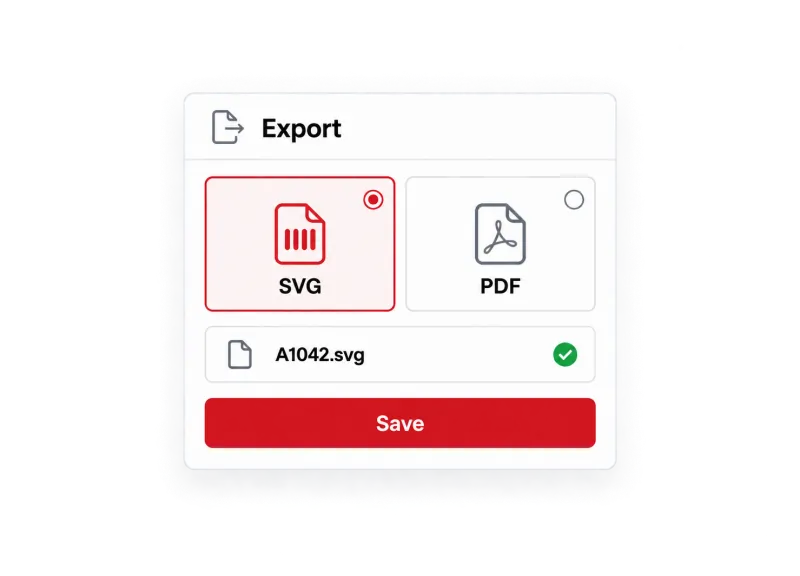
Create bitmap images for everyday use or, with Barcode Studio Pro, vector artwork for design and prepress.
From retail EAN to GS1 Digital Link – all symbologies come from one validated engine.
Linear
2D
GS1
Postal
Reliable infrastructure
Import lists, automate via the command line and hand finished barcodes to design, print and packaging workflows.
How companies run identification, labeling and data capture on TEC-IT software – in production, logistics and IT.
Learn more about Barcode Studio.
Barcode Studio runs on Microsoft Windows and macOS. If you use Linux or UNIX, please contact us for the appropriate version.
Yes. You can export barcodes as BMP, GIF, JPG, PNG or TIF. For prepress work, the Pro edition also offers EPS, PDF, PostScript, SVG and AI with CMYK support.
Yes. You can import data from text or CSV files and use it to create barcode sequences. Barcode Studio can also generate sequence data automatically.
Yes. You can export thousands of barcodes in one run. The command-line interface also lets you include Barcode Studio in automated workflows.
Yes. Free demo versions are available for our desktop software and developer components. Test the functions with your own data and workflow before choosing a license. You can find the demo for your product in the Downloads section.
Annual licenses – all product updates and standard support included.
Try it free in the browser, download a full trial, or talk to sales about your systems, standards and volume.
We use cookies for marketing and to improve your experience. Read our Cookie Policy or manage cookies.