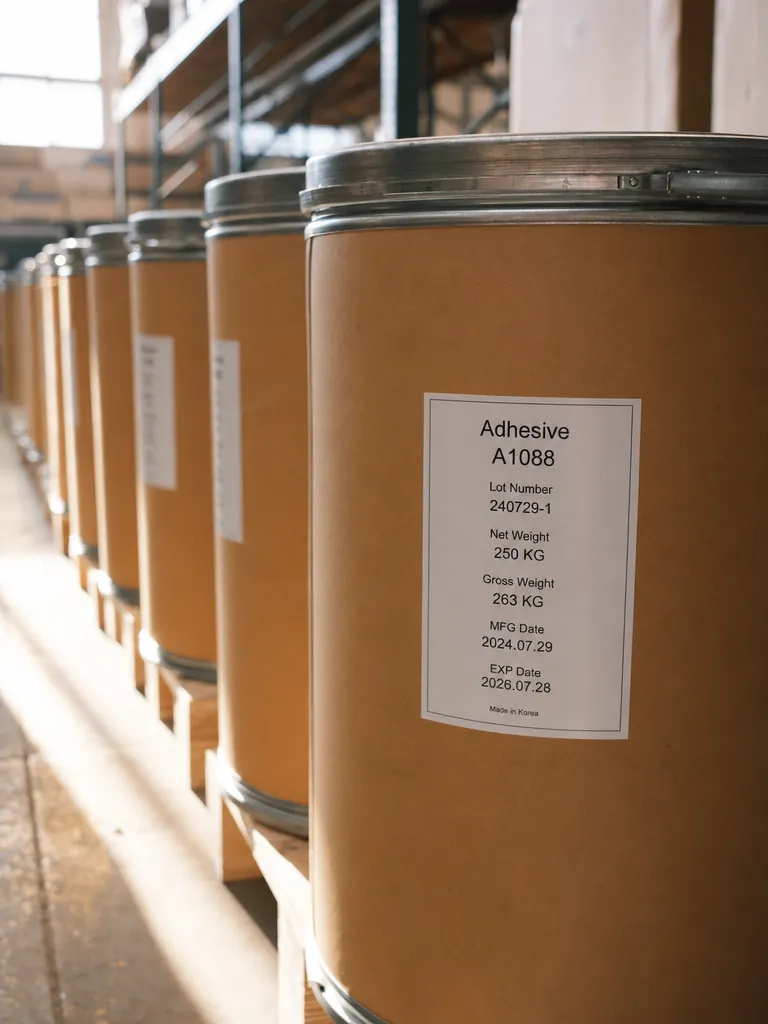
Approved templates only
Operators choose from released layouts – design stays with the label owners.
New: TFORMer Designer V9.2 — easily design and print labels and forms. Explore the product →
For Windows
Operators just fill in the data – the layout stays exactly as designed.
VDA 4994 A5 (English)
Customer Part Number
Ship From - Name
Ship From - Location
Ship From - Country
Ship From - Postal Code
Ship From - Supplier Number
Country of Origin
 −13%+


On the line, nobody should edit layouts. TFORMer Workstation gives operators exactly what they need: the approved templates, a clean data mask, CSV import – and one button that prints correctly every time.
Give operators the templates, data fields and print controls they need, while keeping layout changes with the design team.
Operators choose from released layouts – design stays with the label owners.
Lock the fields that must not change, such as sender data. Operators fill in the rest – by hand or from a CSV file.
Print single labels or whole series on any connected printer.
Keep the layout under control.

Select a shared label or form by category. Operators fill only the fields you leave open – locked fields and the layout stay protected.

Load Excel or CSV records, map columns to template variables and review the list before printing.
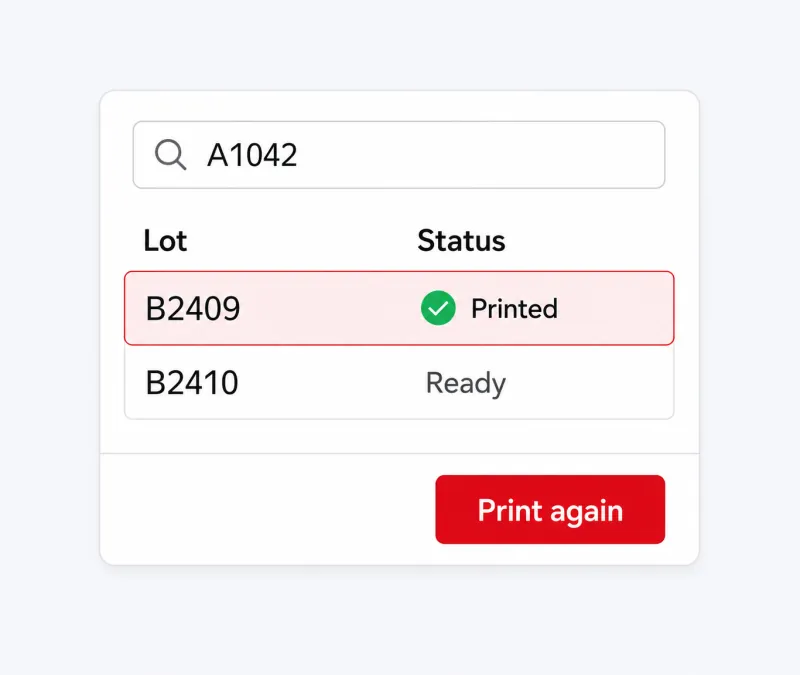
Filter the integrated job list to find a previous record, check its status and reuse its data for the next print.
Reliable infrastructure
Approved layouts come from Designer; Workstation turns them into correct labels wherever the work happens.
How companies run identification, labeling and data capture on TEC-IT software – in production, logistics and IT.
Learn more about TFORMer Workstation.
Yes. Staff can select approved label layouts and print with them. Layout design remains with the people responsible for it.
Staff can enter print data manually or import it from Excel and CSV files. Previously entered value sets can be reused for further print jobs.
Yes. TFORMer includes a ZPL II driver for direct output to compatible Zebra thermal-transfer and direct-thermal printers. Other printers can be used through their Windows printer drivers. Direct ZPL II output requires a printer that supports ZPL II.
Yes. TFORMer includes customizable templates for standards such as VDA, AIAG, Odette, GTL and GS1. You can use them as a starting point for your own labels.
Yes. Free demo versions are available for our desktop software and developer components. Test the functions with your own data and workflow before choosing a license. You can find the demo for your product in the Downloads section.
Annual licenses – all product updates and standard support included.
Try it free in the browser, download a full trial, or talk to sales about your systems, standards and volume.
We use cookies for marketing and to improve your experience. Read our Cookie Policy or manage cookies.