Centralized jobs
ERP and production systems hand over data; the server schedules, prints and logs.
New: TFORMer Designer V9.2 — easily design and print labels and forms. Explore the product →
For Windows, Mac, Linux and Unix
Your ERP sends the data – labels and forms print around the clock, unattended.
TFORMer Server (Repository 8.3.51)
View: [127.0.0.1:7777] > Messages
2 Job(s) Spooled0 Job(s) Printed since Start0 Job Errors since Start
0 Job(s) Spooled2 Job(s) Printed since Start0 Job Errors since Start
Available Actions:
Reset Status
Number of Items: 7
Refresh


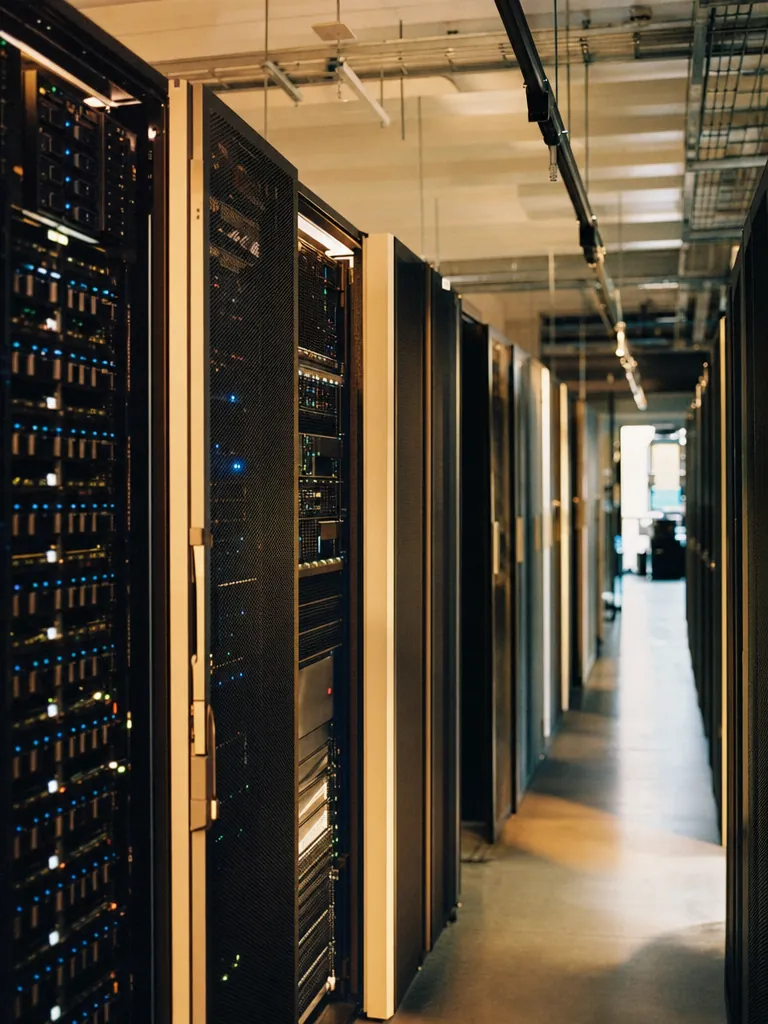
When production prints thousands of labels a day, output becomes infrastructure. TFORMer Server centralizes it: jobs arrive from ERP and production systems, layouts stay approved, printers stay monitored – and AutoDoc turns arriving data files into finished documents without anyone touching a mouse.
Connect business-system requests to centralized label and form output, with unattended generation and clear job destinations.
ERP and production systems hand over data; the server schedules, prints and logs.
Designed for 24/7 operation with spooling, queues and status visibility.
Watched folders turn arriving XML and text data into printed labels and documents.
Keep printing in the workflow.

Accept output requests from host applications such as SAP or Oracle and send the right layout and data to the required printer.

Use AutoDoc to combine Designer layouts with XML or text data and send the result to a printer, PDF file or email.

Bring label and form output into a central server workflow so each request carries the information needed for its destination.
Reliable infrastructure
Business systems send data; the server turns it into monitored, compliant output on every connected printer.
How companies run identification, labeling and data capture on TEC-IT software – in production, logistics and IT.
Learn more about TFORMer Server.
Yes. TFORMer Server can monitor folders and automatically process incoming XML or text files to produce the corresponding labels or documents.
Yes. You can connect ERP and host systems through files, TCP/IP or APIs. SAP connections are also possible.
Yes. TFORMer includes a ZPL II driver for direct output to compatible Zebra thermal-transfer and direct-thermal printers. Other printers can be used through their Windows printer drivers. Direct ZPL II output requires a printer that supports ZPL II.
Yes. You can print directly or generate output such as PDF, PostScript, ZPL and images. You choose the output for each job.
Yes. Free demo versions are available for our desktop software and developer components. Test the functions with your own data and workflow before choosing a license. You can find the demo for your product in the Downloads section.
Annual licenses – all product updates and standard support included.
Try it free in the browser, download a full trial, or talk to sales about your systems, standards and volume.
We use cookies for marketing and to improve your experience. Read our Cookie Policy or manage cookies.